
How Neat works
Finders
keepers.
The internet is full of things worth keeping. Here’s how to make them yours.
Try Neat

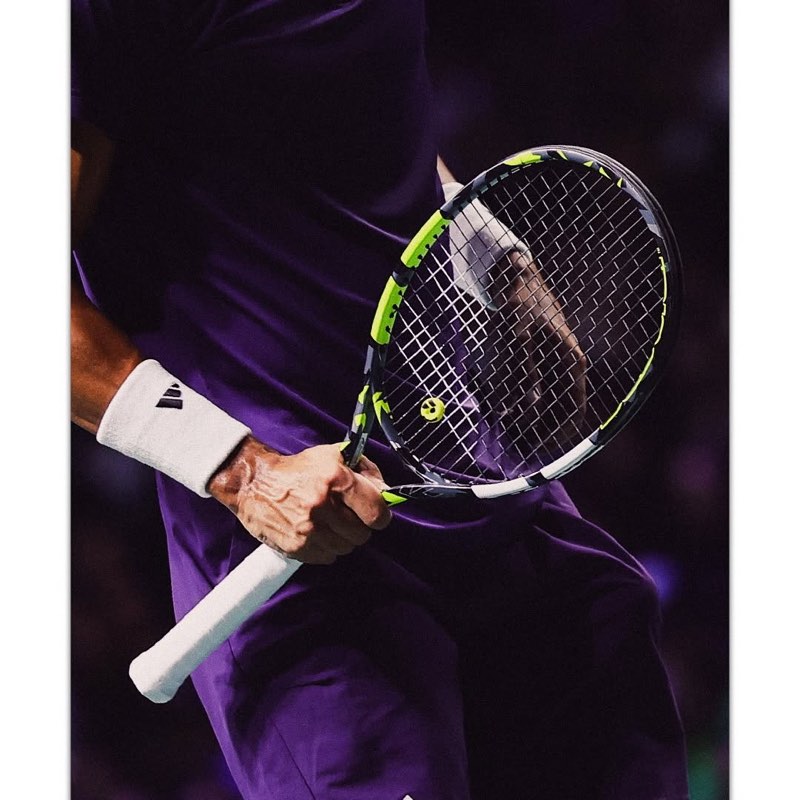


The on-the-go save
Good find.
Meet share sheet.
Found something while scrolling? Open your phone’s share sheet and choose Neat. Keep it for when you have a little more time.
- Find something you want to keep.
- Tap Share and choose Neat.
- Come back to it in your library.
 Neat
NeatA place to stay, saved between things.
The pick-exactly-what-you-want save
A whole page.
Just your picks.
The Chrome extension finds images and videos on the page. Choose what you want to keep, and leave the rest.
- Open Neat from your Chrome toolbar.
- Select the finds you want.
- Choose Next, pick a destination, then Save.
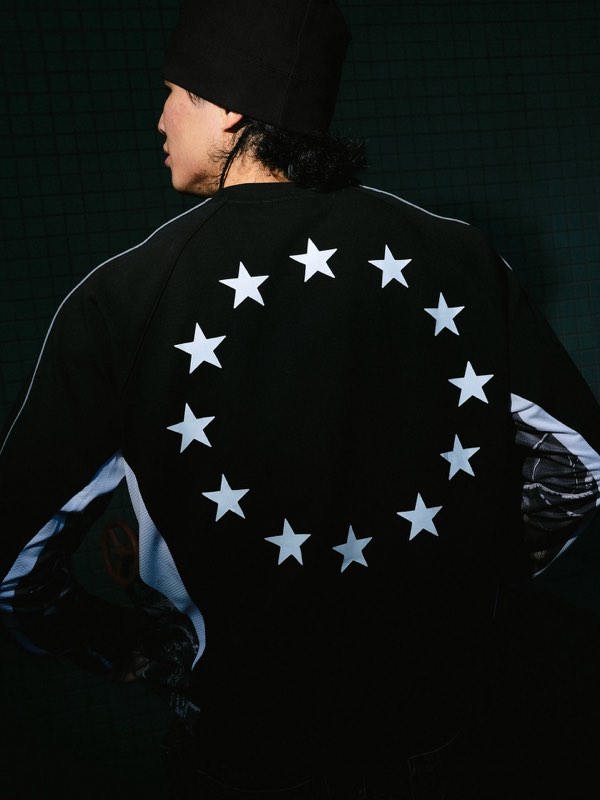
A little direction for the next campaign.
The “someone sent me this” save
Have the link?
You’re halfway there.
Copy a link, open Neat, and paste it in. Bring that find out of your messages and into your library.
- Copy the link you want to keep.
- Open Add inspiration in Neat.
- Review the preview, then choose Save.

The reference from that very long group chat.
Different ways in. Same place to come back to.
It’s all here
when you need it.
Every save lands in your private library. Put it in a project, add a note, or find it again with search. No need to remember where you found it.
A couple of good questions.
Visit the help centerDo I have to use the extension?
No. You can also save from your phone’s share sheet or paste a link into Neat. Use whichever fits the moment.
What can I save?
Save images and videos from the web. With the Chrome extension, you choose from the media it finds on the page.
Can other people see my library?
Your library is private. Project collaboration is coming soon, so you’ll be able to invite others into the projects you choose.